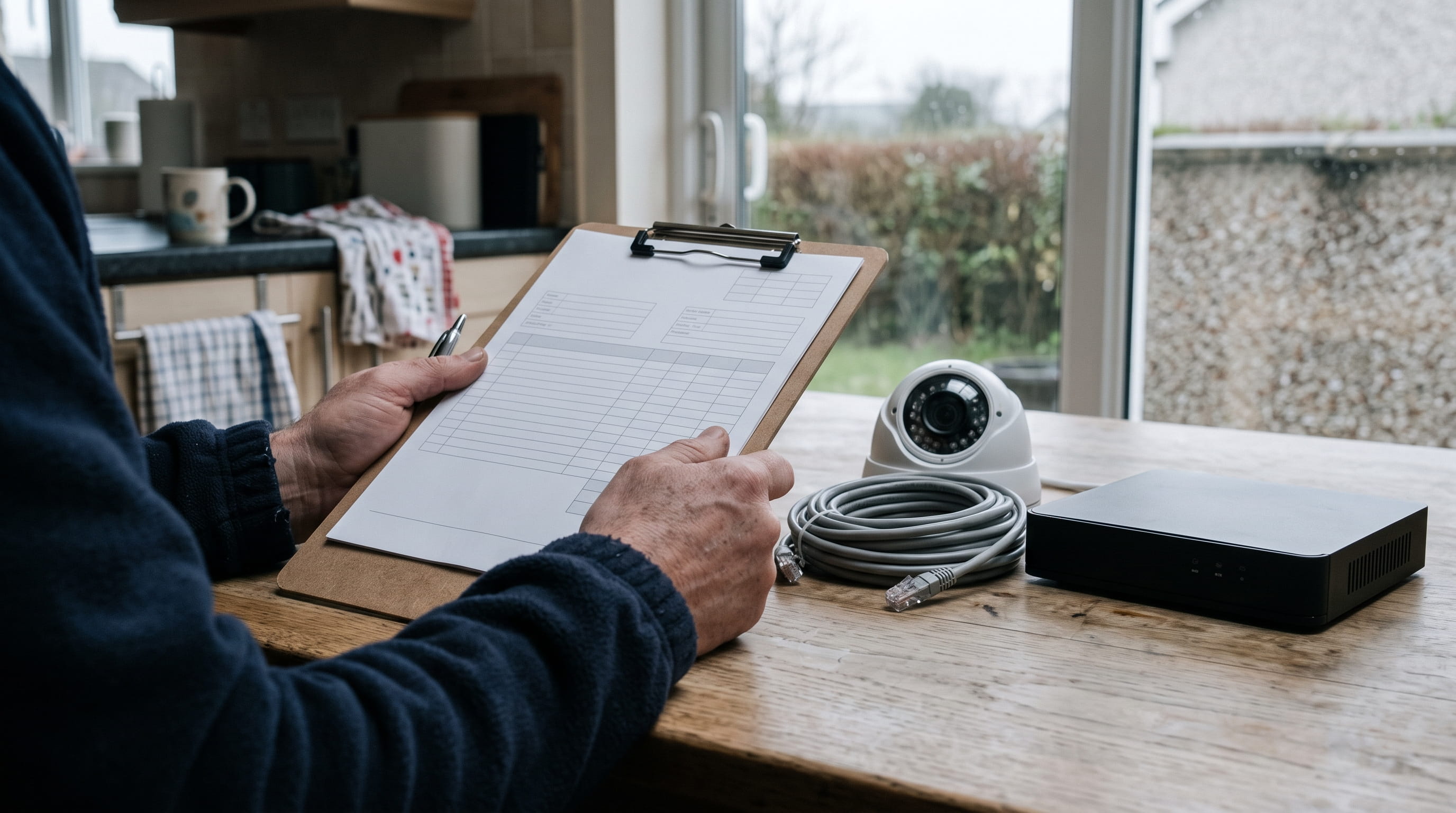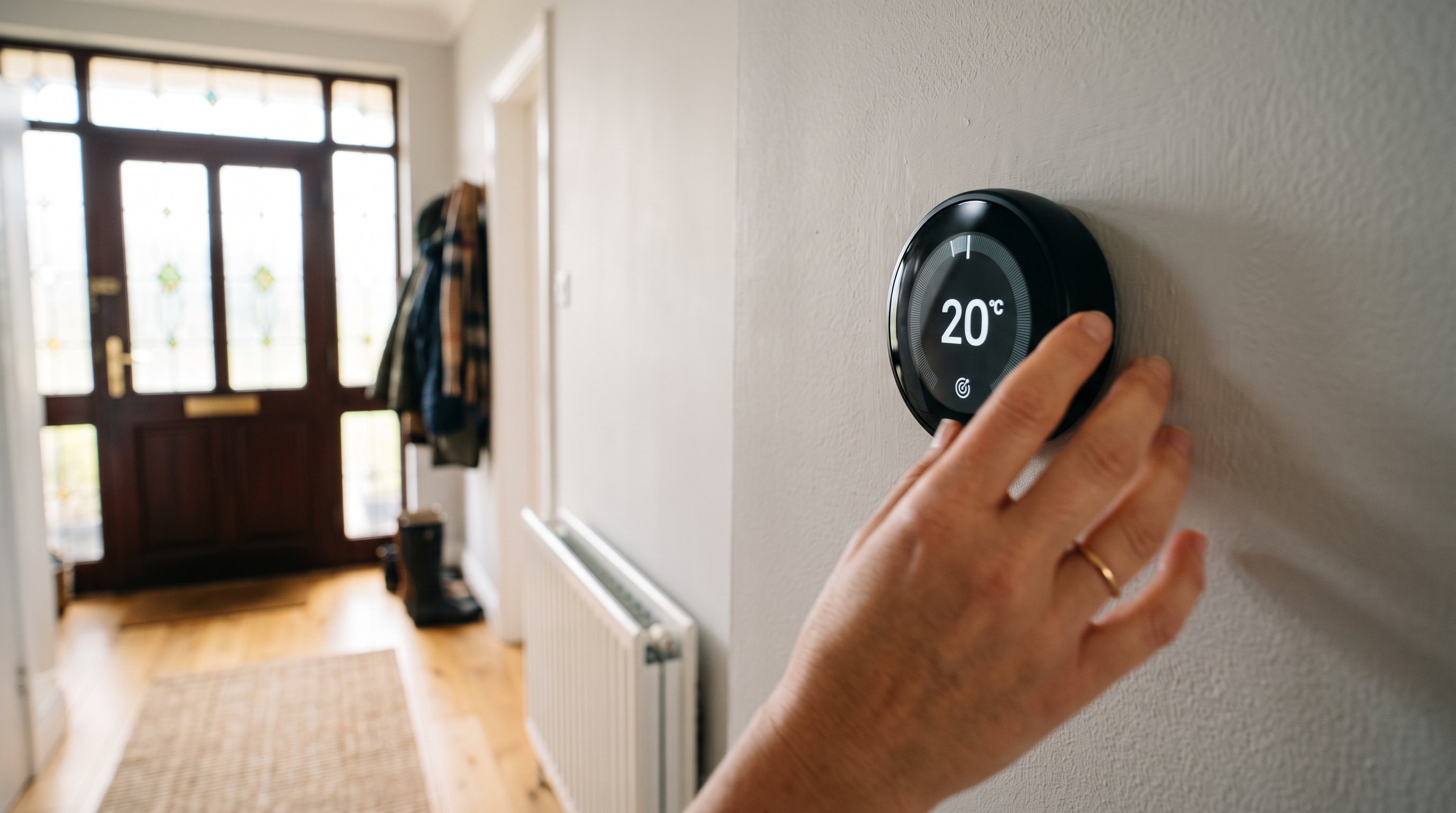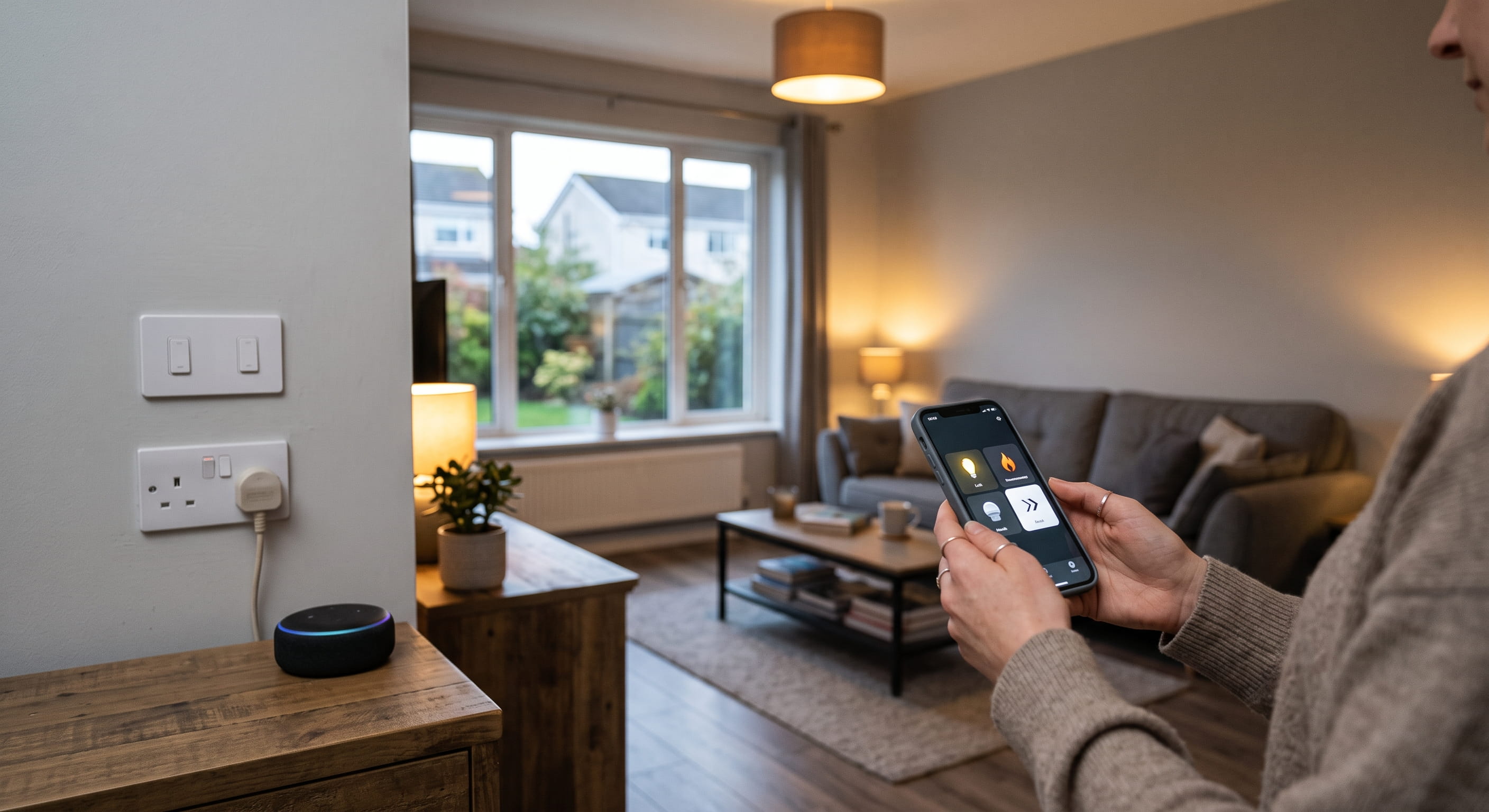
Start a smart home installation by deciding which parts of the plan need wiring and which simply plug in. That single decision sets your budget, your timeline, and whether you need an electrician at all.
Most people do it the other way round. They buy a hub, a few bulbs and a video doorbell, then find the switch on the hall wall has no neutral conductor behind it, or the doorbell has nowhere to draw power from.
Getting the order right is straightforward once you know what your house can physically support. What follows is the sequence that works on real jobs, from the first decision down to the wiring that has to happen before the plaster goes back on.
1. Start Smart Home Installation With One Room and One Ecosystem
Pick one room and one ecosystem before you buy anything else. Most homes start with the hall, the sitting room or the kitchen, because that is where lighting and heating get used hardest.
The ecosystem is the app and voice assistant everything else answers to. Mixing three of them across one house is the fastest way to end up with a drawer of abandoned gadgets.
- Apple Home works well if the household is already on iPhones and you want local control through Siri.
- Google Home suits Android households and pairs naturally with Nest heating controls.
- Amazon Alexa has the widest device support and the cheapest entry point for voice control.
- Matter and Thread are the cross-brand standards that let devices from different makers talk to one hub, so a Matter badge on the box gives you an exit route later.
Pick the one your phones already point at. You can add rooms indefinitely afterwards, but changing the ecosystem two years in means replacing hardware.
2. Decide Which Smart Home Devices Need Wiring and Which Just Plug In
Smart devices split into two groups. One plugs into an existing socket and needs no electrical work whatsoever. The other alters the fixed wiring of your house, which moves it into regulated territory and changes who is allowed to touch it.
Plug-In Devices You Can Fit Yourself
These need nothing more than a socket and a Wi-Fi password. They are the right place to test whether you actually like automation before committing to anything permanent.
- Smart plugs for lamps, heaters, Christmas lights and anything with a standard plug top
- Smart bulbs that screw or bayonet into existing fittings
- Speakers, hubs and standalone cameras that sit on a shelf
- Battery-powered sensors for doors, windows, motion and temperature
Wired Devices That Need a Registered Electrician
Anything that replaces a switch, adds a circuit, or touches the fuse board is a different matter. In Ireland, work of that kind falls under restricted electrical works and must be carried out and certified by a Registered Electrical Contractor.
- Smart light switches and dimmers in place of existing wall switches
- Hardwired video doorbells and outdoor cameras
- In-wall relay modules fitted behind a ceiling rose
- Smart heating controls wired to a boiler or zone valve
- Any new circuit, new socket or additional protective device
3. Check Your Switches for a Neutral Wire Before Buying Smart Switches
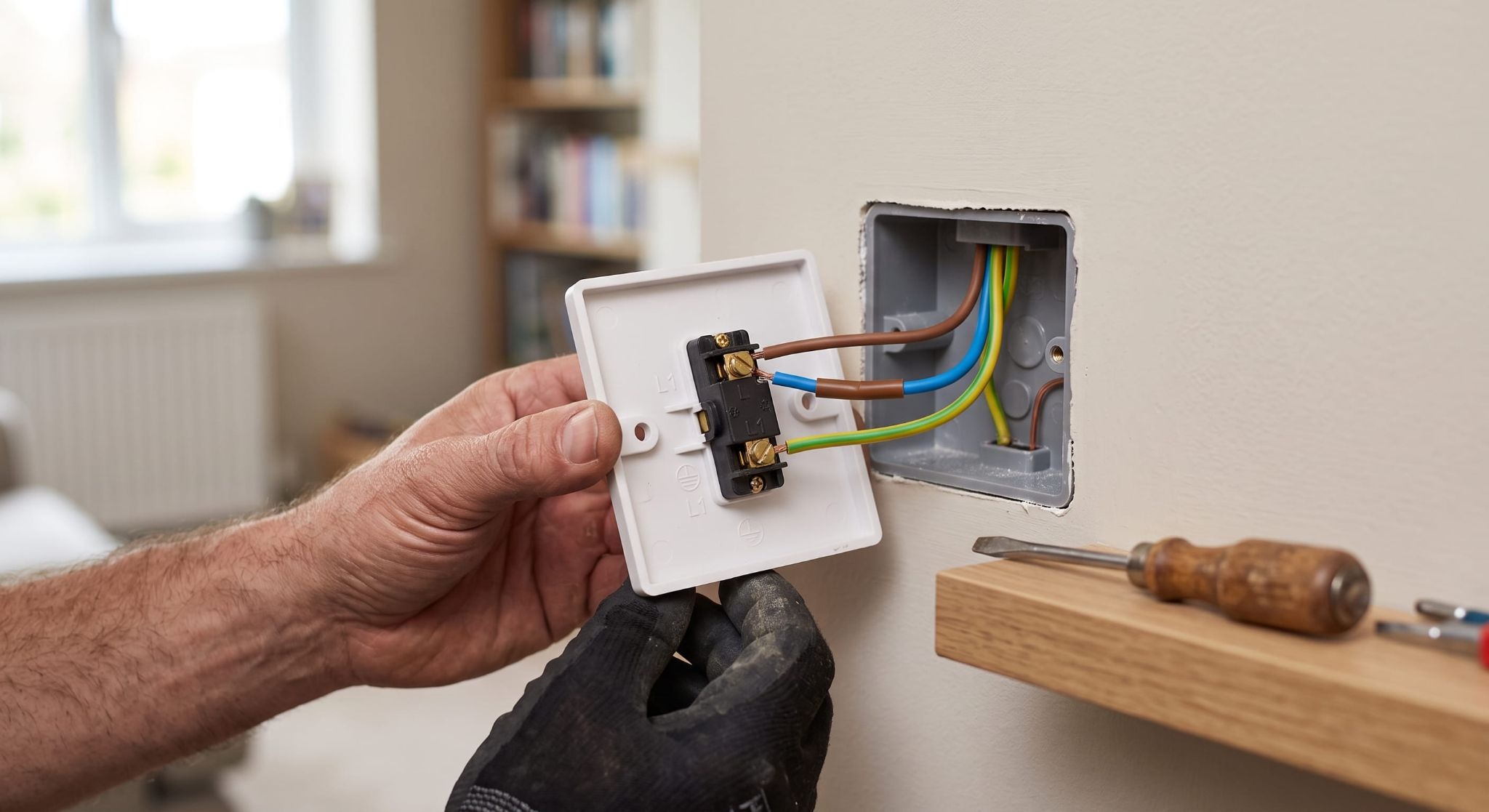
Most smart switches need a permanent neutral at the switch box, and in older Irish homes that neutral is usually not there. The lighting circuit was looped in at the ceiling rose, and only two conductors were dropped down the wall to the switch.
A mechanical switch never needed more than that. A smart switch does, because its radio has to stay powered even when the light is off.
Take the faceplate off one switch and look. If you see a line conductor and a switched line and nothing else, you have three realistic routes:
- Smart bulbs plus a battery scene switch. No wiring changes at all. The existing switch stays permanently on and the wall control becomes a wireless button.
- An in-wall relay at the ceiling rose. The rose almost always has a neutral, so the smart module goes up there and your existing switch keeps working as the manual trigger.
- Run a neutral during other works. If walls are already open for a rewire or an extension, pulling neutrals to every switch drop costs very little extra and leaves every future option on the table.
4. Know Which Smart Home Work Counts as Restricted Electrical Work
Restricted electrical works are defined under the Electricity Regulation Act 1999 as amended, and only a Registered Electrical Contractor may carry them out and certify them. The scheme is run as Safe Electric on behalf of the Commission for Regulation of Utilities, and doing this work unregistered is a prosecutable offence.
For a smart home project, the parts that fall inside that definition are usually:
- Installing or replacing a circuit, including any new protective device at the board
- Modifying or replacing the distribution board itself
- Work in the special locations set out in Part 7 of the National Rules for Electrical Installations, which covers bathrooms and outdoor areas
- Inspection, testing and certification of the existing installation
If your board is already full or dates back decades, a fuse board upgrade usually comes first, before any automation goes in on top of it. Every registered contractor carries a number you can check on the public register before work starts. Ours is A4712, and a certificate of compliance is issued with every job.
5. Plan Wiring Differently for a Retrofit and a New Build
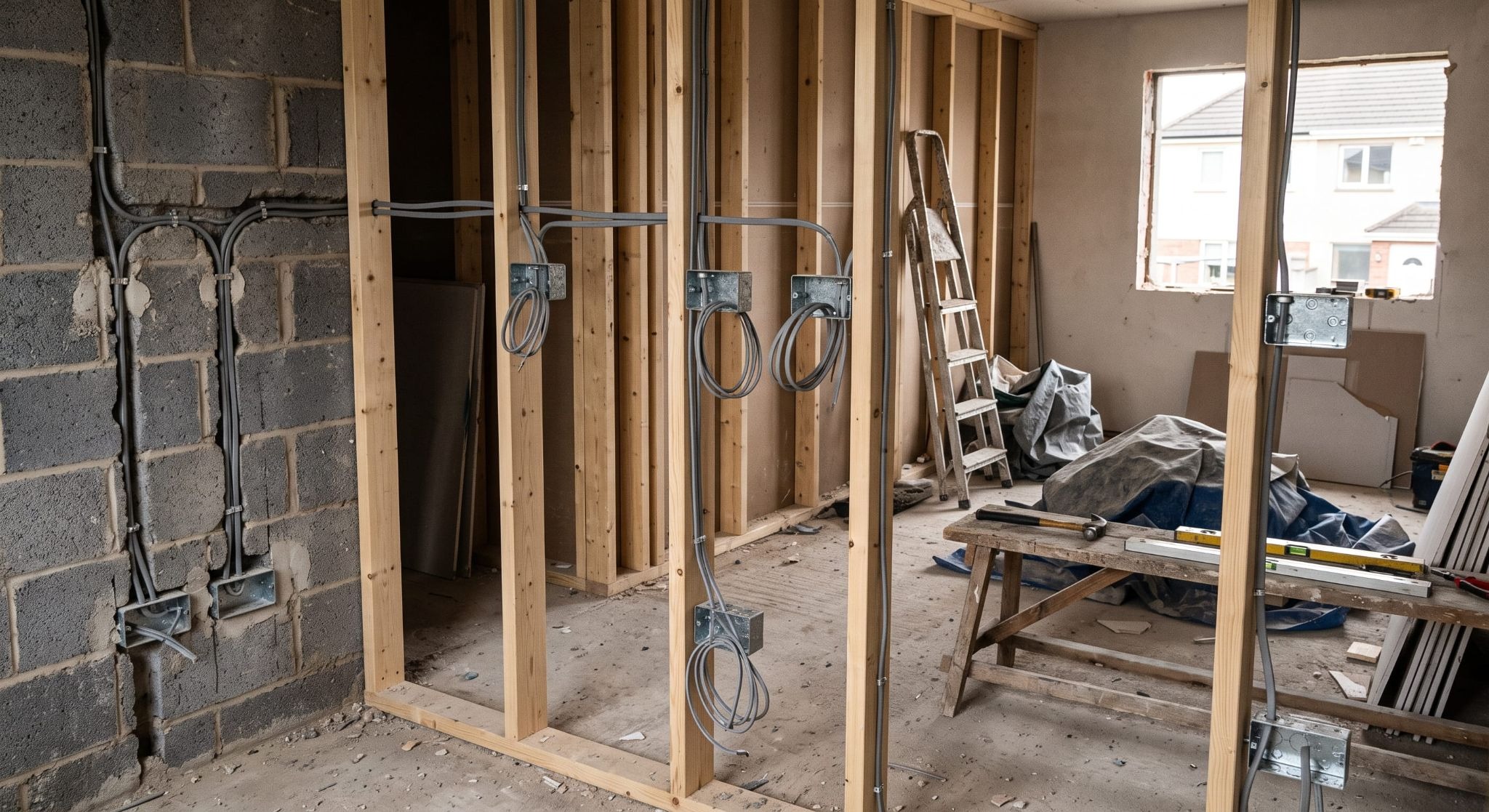
Retrofits work around what already exists. New builds and full renovations let you put the wiring where automation actually wants it, which is a far cheaper way to arrive at the same result.
On a new build or a house rewire, decide the smart home plan before first fix, because after that stage every change means chasing walls again.
- Neutrals to every switch position, so any switch can become a smart switch later
- Deeper back boxes at switch locations, since smart modules need room behind the faceplate
- A powered, ventilated spot for the hub and router, ideally central and not inside a metal cabinet
- Wired data runs to camera positions, TVs and any access point, because Wi-Fi through block walls is the usual cause of a laggy system
- A fused spur at the front door for a hardwired doorbell
Retrofitting is still perfectly doable. You lean more on wireless sensors, in-wall relays and smart bulbs, and you accept that a few positions will not be worth opening a wall for.
6. Set Up Automated Lighting Around Daily Routines
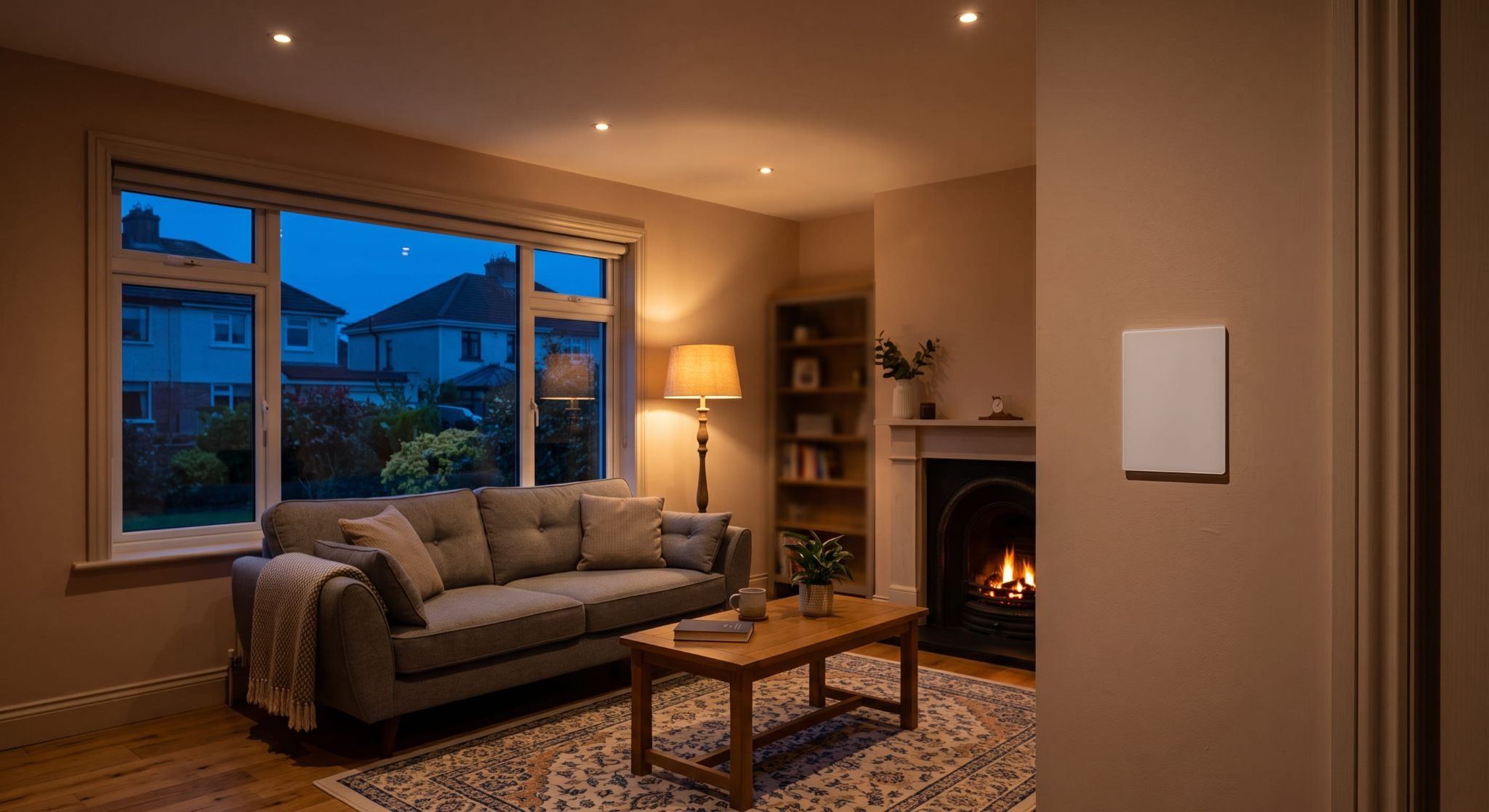
Automated lighting earns its keep when it removes a decision you make every day. Scenes and schedules tied to real routines get used for years. Individual colour-changing bulbs tend to get switched back to white within a month.
The automations that stick in most houses are simple ones.
- Outside lights on at dusk and off at a set hour, adjusting through the year on their own
- A hall and landing path that comes on dimly on motion after midnight
- One evening scene per living space, triggered by voice or a single wall button
- Everything off on the last phone leaving the house
Smart lights for home use also need the right control layer. If a guest or a child flicks the wall switch off, bulb-based systems go dead until someone flicks it back.
7. Fit Smart Security Integration Without Weakening Your Alarm
Smart security integration works best as a layer on top of a proper alarm, not a replacement for it. A monitored alarm system and a set of cameras do different jobs, and pulling the alarm apart to make it talk to a voice assistant can void both the certification and the monitoring contract.
The integrations we fit most often are Nest thermostats, Ring doorbells, cameras and automated lighting tied back into Alexa, Google or Siri, with the alarm left intact and linked through a supported bridge where one exists.
Three points decide how well it goes:
- Power at the door. Hardwired doorbells need a transformer or an existing bell supply. Battery versions avoid that but need charging a few times a year.
- Network coverage outdoors. Cameras at the side and rear of a house are frequently out of usable Wi-Fi range, which shows up as dropped clips rather than an obvious fault.
- Keeping the alarm certified. Changes to a monitored system belong with whoever installed it. New cameras, sensors and a fresh alarm and CCTV installation can be planned together so nothing conflicts.
Plan the Wiring First, Then Buy the Devices
The households happiest with their setup a year later are the ones that sorted out neutrals, board capacity and network coverage before ordering hardware. Everything after that is a straightforward install.
If you are renovating, rewiring, or simply unsure what your existing wiring will support, have an electrician walk the house with you and set out the options first. You can get a free quote for the wired parts of the plan before you spend a euro on devices.